Technology
5 Reasons Why You Need a Kitchen Order System for Your Restaurant
By
Katherine Pendrill
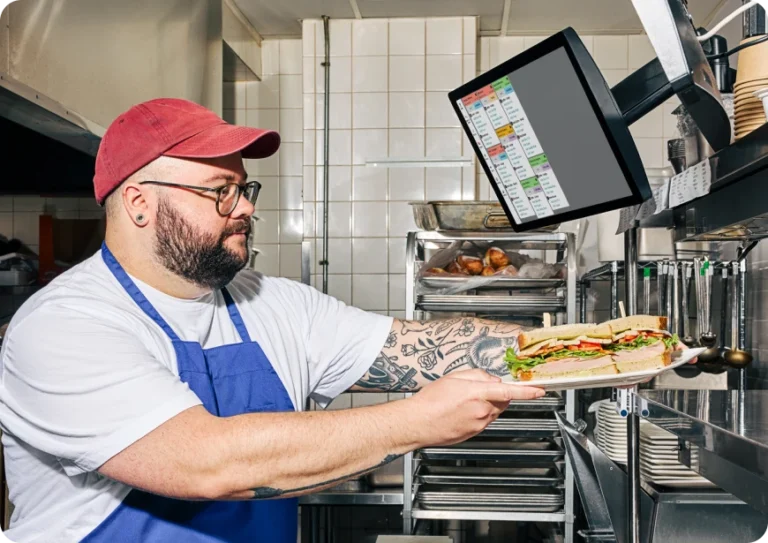
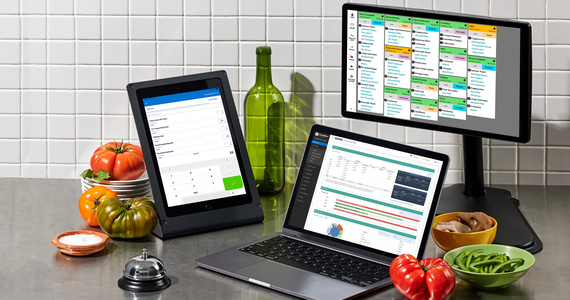
TouchBistro Kitchen Display System Powered by Fresh helps you improve kitchen efficiency, decrease ticket times, and eliminate errors.
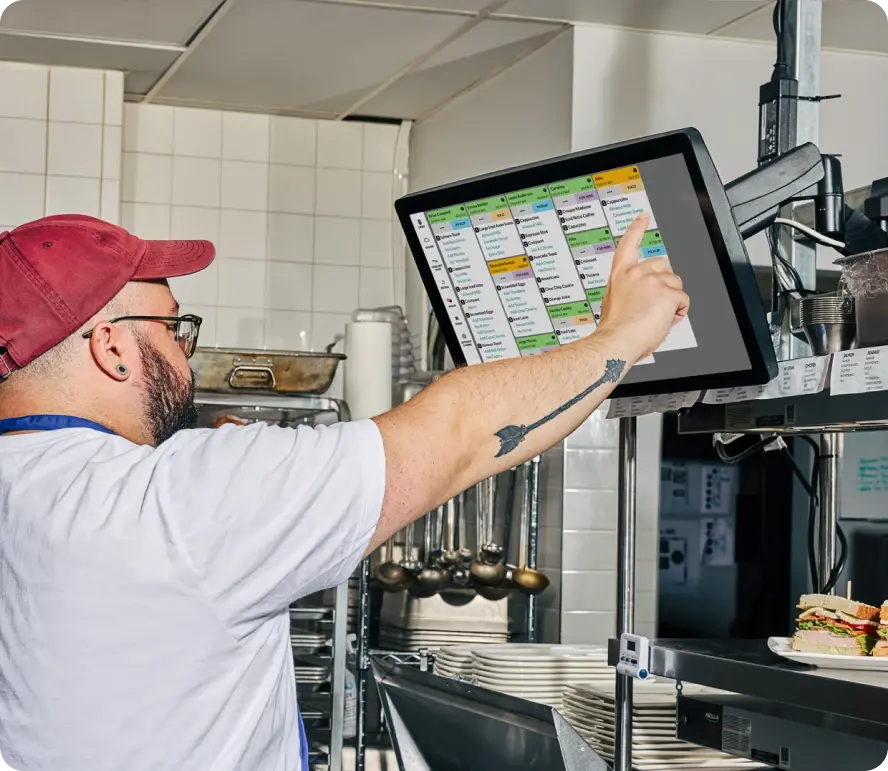
Turn tables faster by instantly sending orders from your POS to the kitchen with TouchBistro KDS.
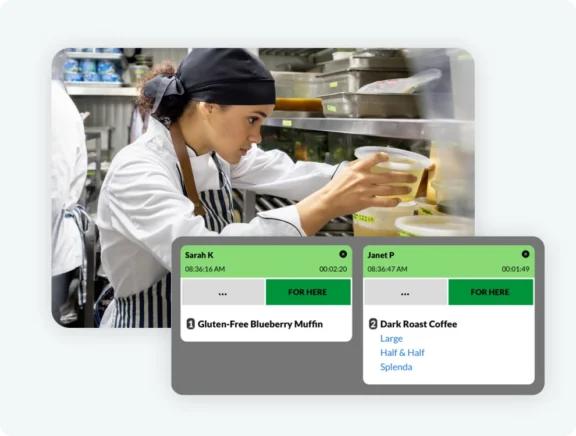
Orders appear instantly on the KDS screen and are signaled by an optional loud, audible alert so staff never miss a ticket.
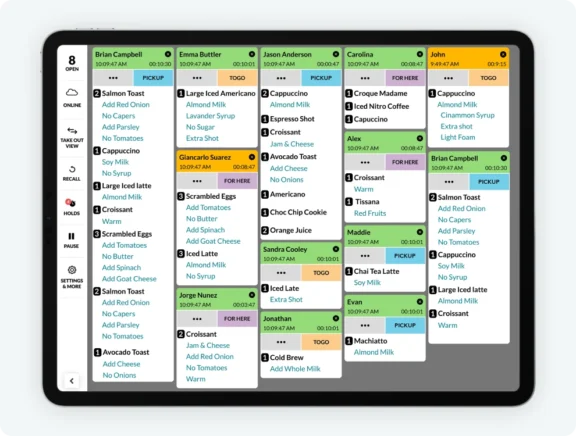
Eliminate double entry by displaying all orders from your POS and online ordering system in the KDS as different order types on a single screen, or on individual screens dedicated to each order type.
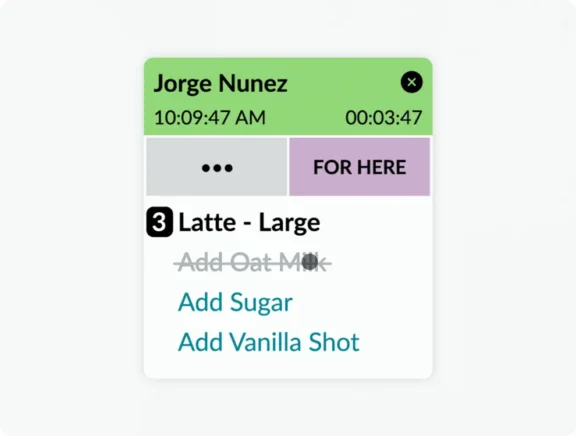
Eliminate redundancies and quickly clear tickets as you go with the ability to strikethrough individual ticket items and modifiers.
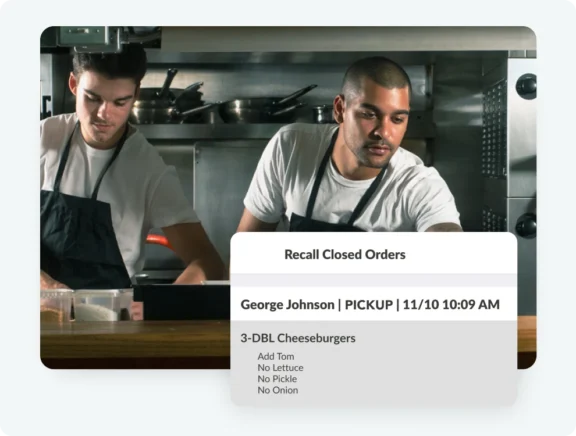
Easily identify and correct errors with the option to view and recall past orders at any time (without the need to dig through a stack of completed tickets).
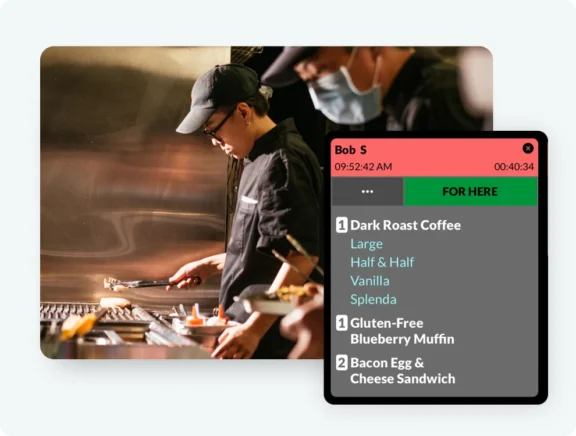
Minimize missed orders or long wait times by strategically routing orders to appropriate cook stations (i.e. the grill, fryer, etc.).
Orders placed on the TouchBistro POS appear immediately on the KDS screen allowing kitchen staff to start preparing items seconds later.
Built-in redundancy features ensure that your devices can continue to talk to one another and orders can still be taken, even without internet.
Set up the KDS in a way that works for your team with customizable ticket and font sizes, instinctive drag and swipe controls, and color-coded ticket statuses that can be categorized by order type and change based on time open.
Designed to handle heat, spills, and falls, our KDS hardware is tough enough for any restaurant kitchen.
Promote collaboration and streamline order management by syncing multiple KDS screens together to track order bumps and item strikethroughs, or bump orders to the next screen if you use an assembly line production model.
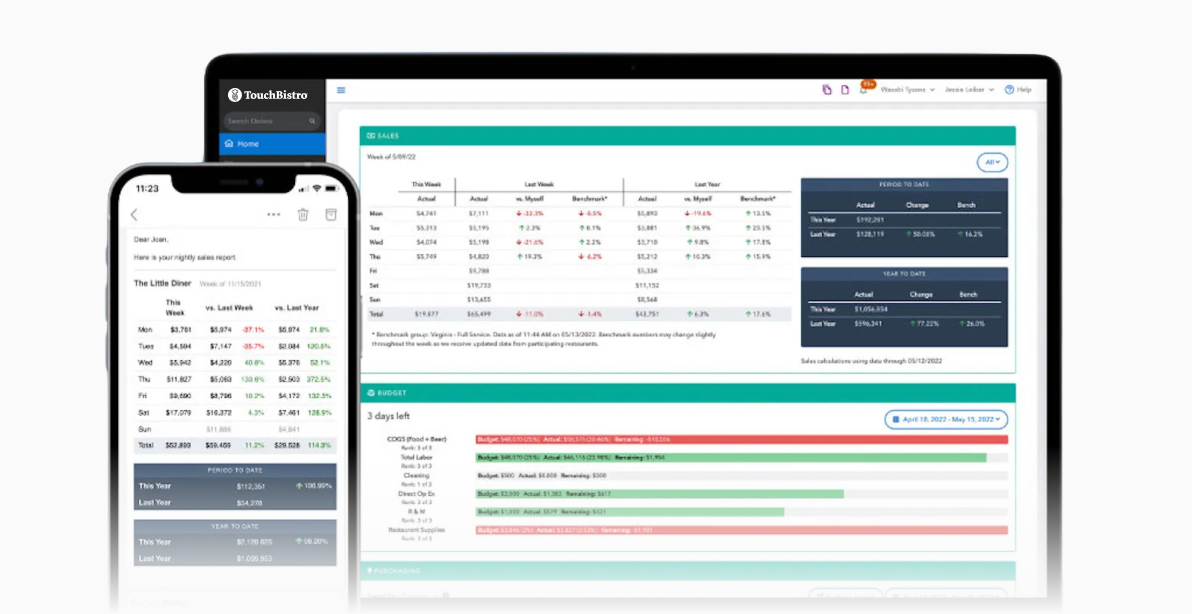
Gain valuable insights that help you monitor and improve BOH performance with a dashboard that provides information on average number of tickets, detailed order information, bump times, and more.
Download our full list of product features.

"TouchBistro's KDS makes working in the kitchen easy. Its intuitive design allows us to quickly send orders to different parts of the restaurant and allows me to communicate with all our servers at once."

400 Brant
“We have a very tight kitchen, but several people prepare our large menu and different steps take place in the process. The visual display is essential for keeping the kitchen flowing."

Tilted Pint Pub
TouchBistro KDS is currently available to restaurants in Canada (excluding Quebec) and the United States.
Yes, TouchBistro KDS requires MicroTouch Touchscreens (15.6” or 21.5″) that must be purchased through TouchBistro – installation fees will apply. An optional bump bar and sticky label printers are also available. Speak with a member of our team to learn more.
We are committed to making the KDS setup process smooth and efficient for you, which is why we offer personalized onboarding. Onboarding includes one-to-one guidance from a TouchBistro Professional Services expert who will walk you through the onboarding process, and an Installation Technician who will work directly with you to ensure a seamless hardware setup.
Although TouchBistro KDS can be used wirelessly, doing so may result in connection issues. To ensure the smoothest experience, we recommend using a wired connection to the router.
Our offline mode ensures your TouchBistro KDS will continue working even when your internet is temporarily unavailable.
With TouchBistro KDS you gain access to a dashboard that provides reporting on average number of tickets, detailed order information, bump times, and more.
You can find educational content to help you improve kitchen operations, increase BOH productivity, hire the best team, and more on the TouchBistro Blog.