
Customer Experience
7 Ways to Use Reservation Software to Improve the Guest Experience
By
Dana Krook
Manage reservations, maximize your capacity, and make every guest feel like a VIP with TouchBistro Reservations.
In just the first 3 months of implementing TouchBistro Reservations

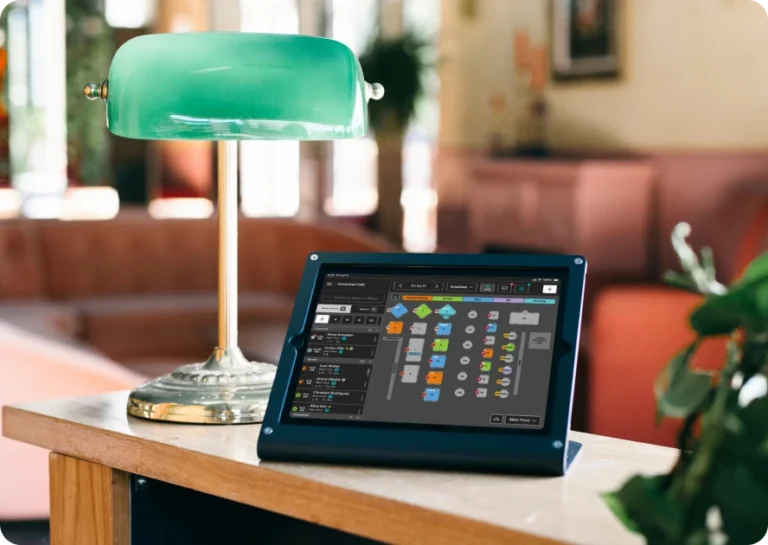
Manage bookings, waitlists, and table flow, all from one POS-integrated restaurant reservations platform.
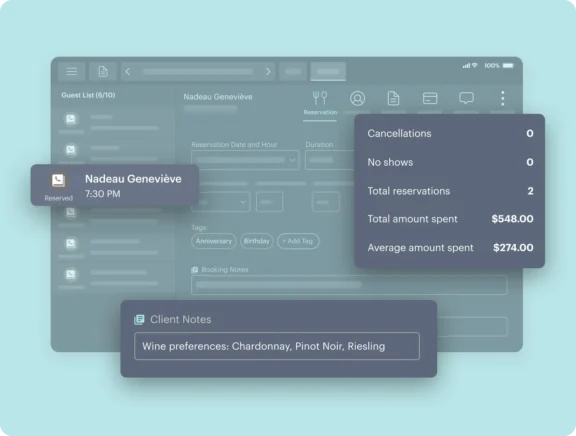
Convert first-time guests into lucrative regulars with customized reservation notes for allergies, dining preferences, and special occasions, such as anniversaries and birthdays.
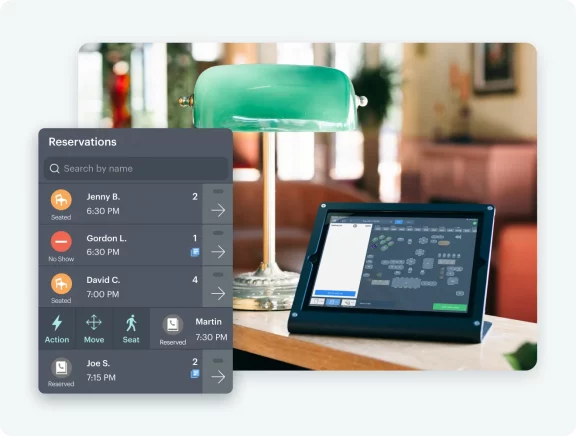
Easily keep an eye on table status so you can manage your restaurant’s capacity and keep waitlist guests happy with reservations software that’s fully integrated with your POS.
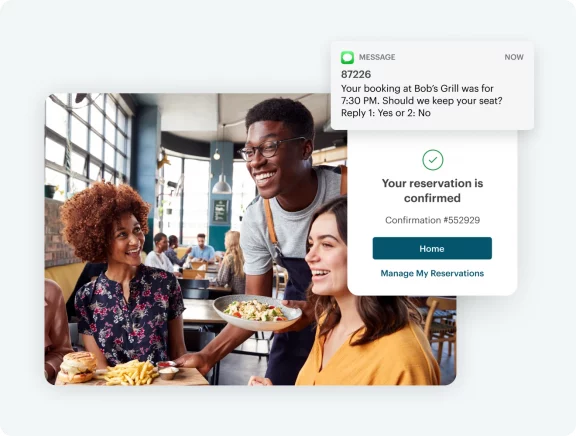
Protect your restaurant against no-shows with two-way SMS and email communication that automatically reminds guests of upcoming reservations, and optional credit card fees for missed bookings.
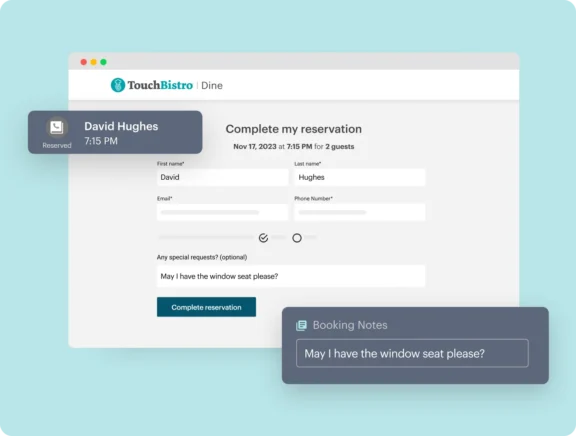
Keep your front of house and back of house teams in sync with a POS and booking system that work together seamlessly.
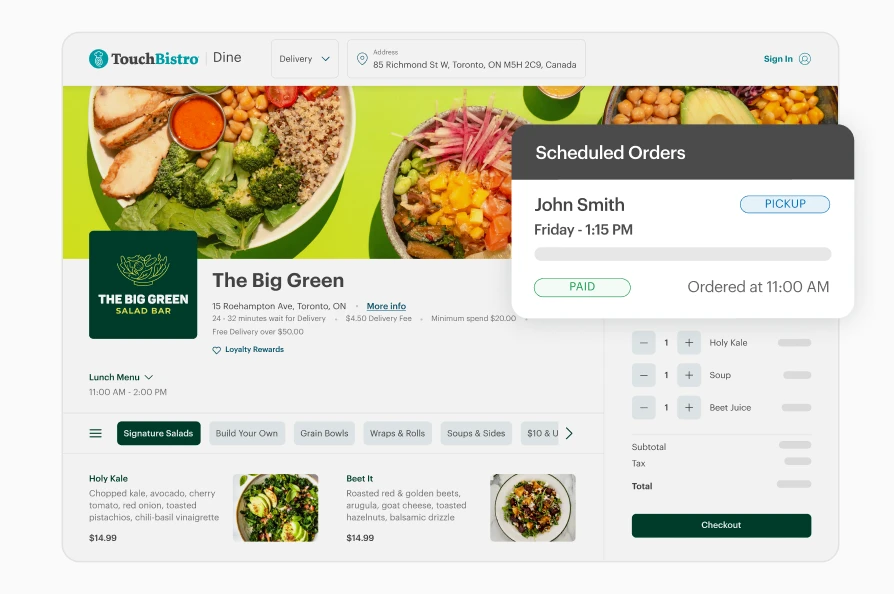
Fill your tables by accepting bookings through your website, tbdine.com, and Google.
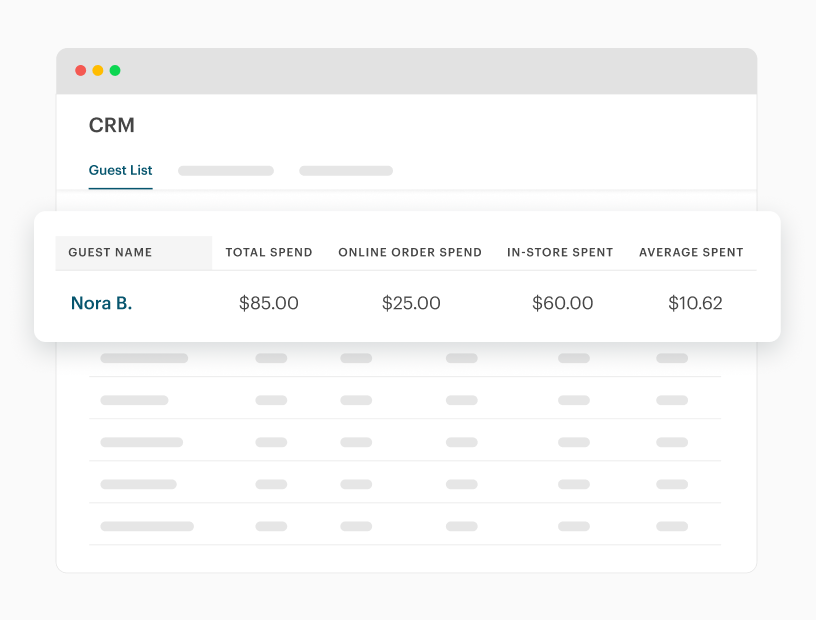
Access critical business data in the TouchBistro Dine portal, so you can manage your business from anywhere, at any time.
Download our full list of product features.

“Before TouchBistro Reservations, everything was done manually. You had to have the servers tell you when they were printing checks, and you would walk around the room to see who was on dessert. Now, the minute a check gets printed, you can look at the screen and tell a guest 'I have something coming up now, within the next 5-10 minutes.'"

Pearl Diver
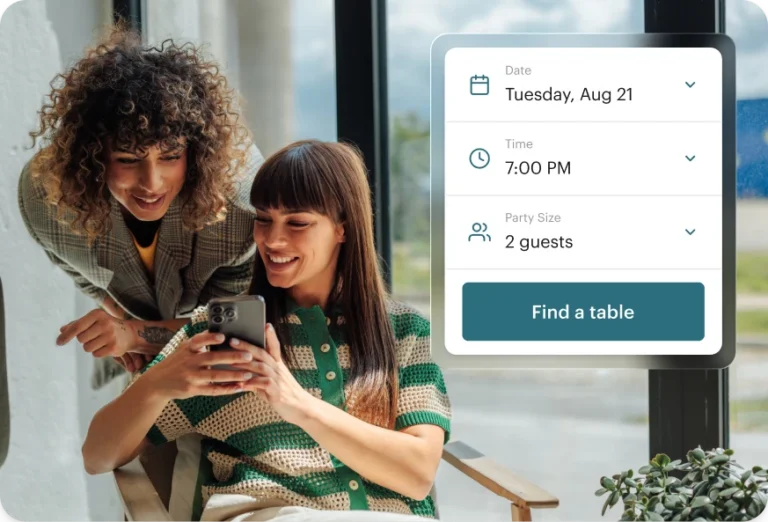
Check out what guests see when they make reservations through our discovery platform.
No, there is no limit on restaurant size. Any size of restaurant can use TouchBistro Reservations.
No, you will not be charged per booking with TouchBistro Reservations. The only cost you play is a flat monthly software fee – this means unlimited bookings and no per cover fees.
Yes, guests can modify their reservations after booking. TouchBistro Reservations is a complete reservation and guest management platform that allows guests to update their reservations through our mobile and web booking system.
Guests will receive a confirmation email as soon as their reservation is placed.
Yes, you can block specific dates with TouchBistro Reservations. You have the ability to block days, weeks, or months as needed.
Yes, you can add custom notes to each booking to ensure every guest has the best possible experience.
Yes, you can transfer reservations and guests from your existing reservations platform to TouchBistro Reservations. One of our TouchBistro team members will work with you on this during onboarding.
Learn how you can use restaurant reservation software to minimize no-shows, manage capacity limits, delight guests, and more with these free resources from the TouchBistro Blog.